
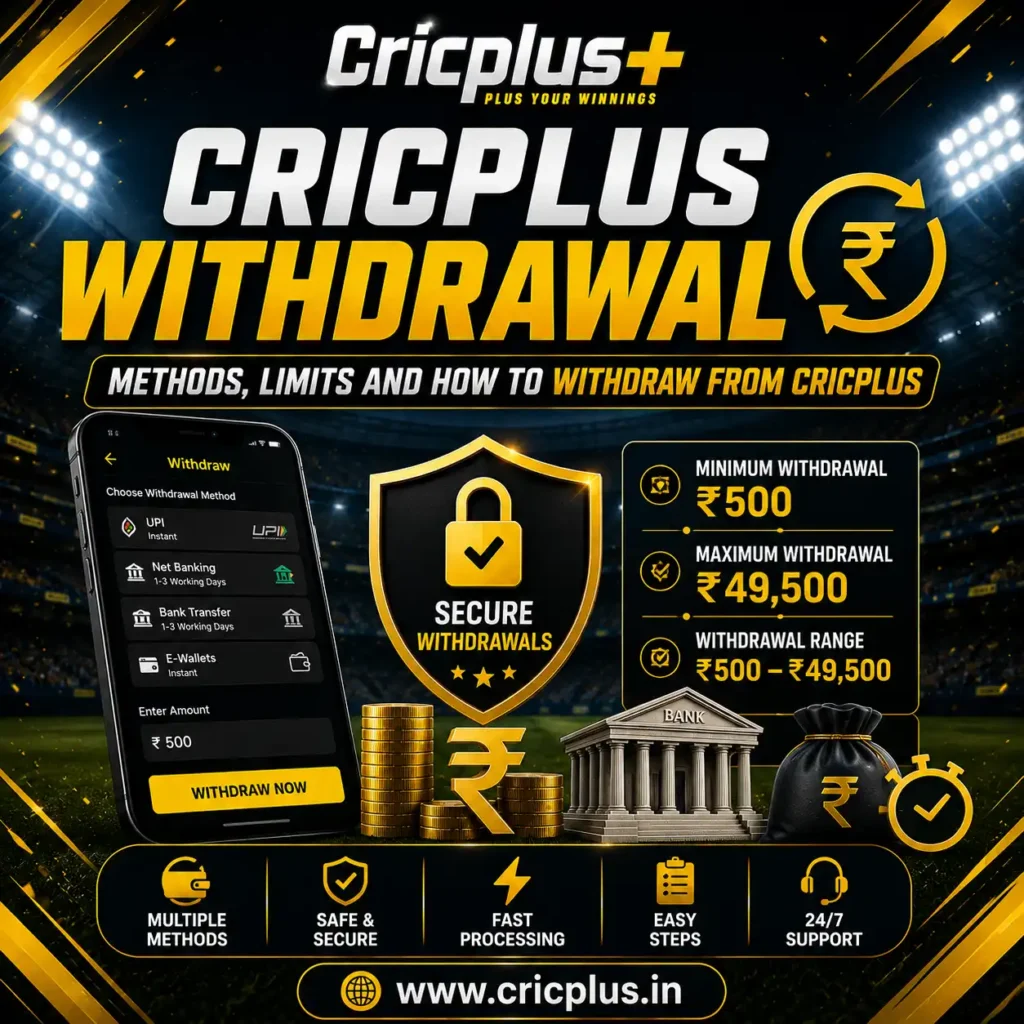
Cricplus Withdrawal - Methods, Limits and How to Withdraw from Cricplus
A Cricplus Withdrawal allows eligible users to request funds from their account through the withdrawal methods currently supported by the platform. The process is designed to keep payout requests straightforward, while factors such as the selected payment method, account verification and transaction processing can affect completion time.
The current withdrawal range is ₹500 to ₹49,500 per transaction. Before submitting a request, users should review the displayed withdrawal method, applicable limits and account requirements to ensure the information is correct.
For users who are new to the platform, the Cricplus Login page provides access to the account area where supported account functions can be managed.
How Does Cricplus Withdrawal Work?
A withdrawal generally moves through several stages, from submitting the request to receiving the funds through the selected payment method. The exact process can vary according to the available payment options and account conditions.
After logging in, users can open the relevant funds or withdrawal section, select an available payment method, enter the amount and review the displayed transaction details. Once the request is submitted, its status can be monitored through the account where transaction tracking is available.
Before confirming a Cricplus Withdrawal, always check the recipient or payment details carefully.
Cricplus Withdrawal Limits
| Withdrawal Detail | Amount / Information |
|---|---|
| Minimum Withdrawal | ₹500 |
| Maximum Withdrawal | ₹49,500 |
| Withdrawal Range | ₹500 – ₹49,500 |
| Limit Basis | Per transaction |
| Payment Method | Supported withdrawal options |
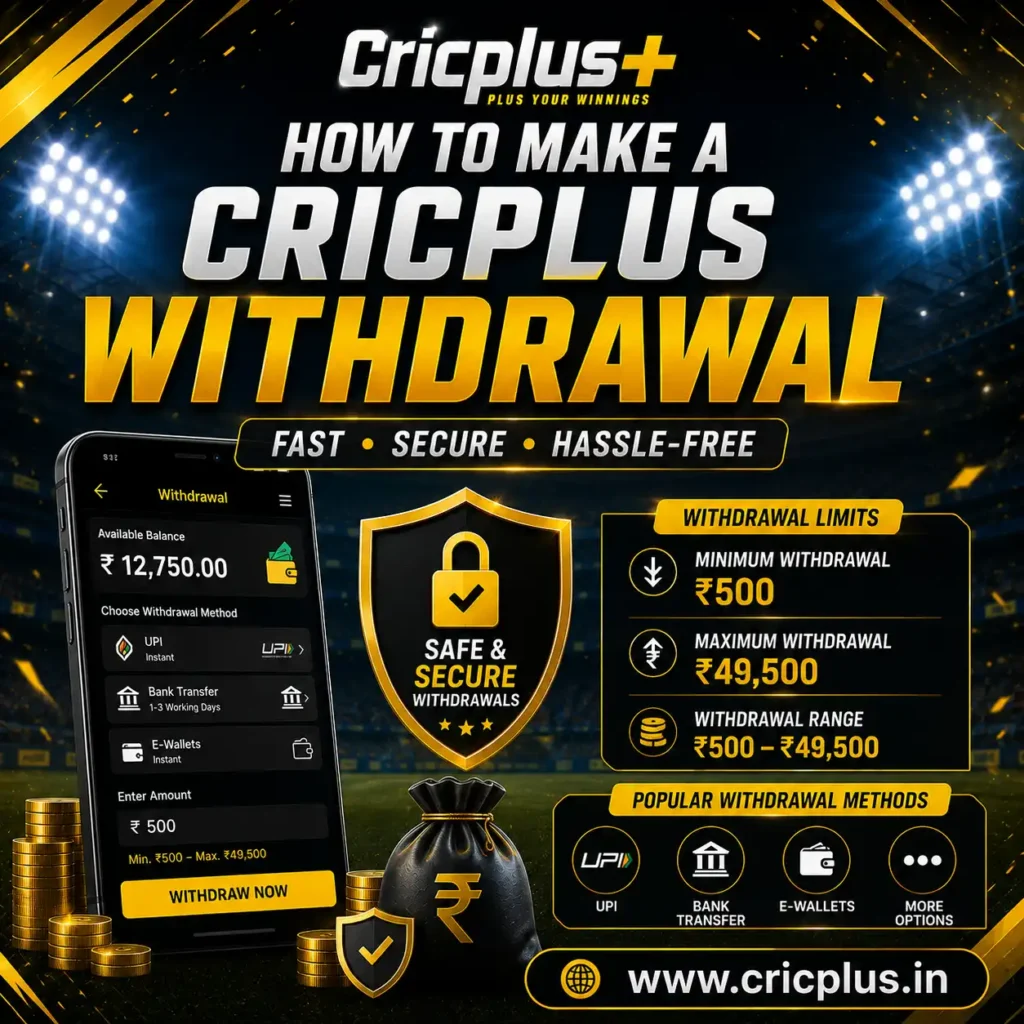
How to Make a Cricplus Withdrawal
The withdrawal process can generally be completed through the account area:
- 1. Log In
Access your account through the official Cricplus login process. - 2. Open the Withdrawal Section
Navigate to the relevant account or funds section and select the available withdrawal option. - 3. Select a Payment Method
Choose one of the currently supported withdrawal methods and review its instructions. - 4. Enter the Amount
Enter the amount you want to withdraw, ensuring that it falls between ₹500 and ₹49,500 per transaction. - 5. Check the Details
Review the amount and payment information carefully before submitting the request. - 6. Submit the Request
Complete the withdrawal request using the authorised process displayed on the platform. - 7. Track the Status
Keep the transaction or reference information available and check the account history for updates where supported.
For information about available payment options, users can also review the Cricplus Payment Methods page.
Cricplus Withdrawal Requirements
Before requesting a payout, users should make sure their account and payment information meet the applicable requirements.
Account Access
You must be able to access the relevant account functions.
Accurate Payment Details
Check the payment information carefully before confirming a withdrawal.
Verification
Additional account or transaction verification may be required in certain circumstances.
Supported Methods
Use only payment methods currently displayed and authorised by the platform.
Withdrawal Limits
The requested amount should remain within the applicable ₹500–₹49,500 transaction range.
Checking these details before submitting a request can help avoid unnecessary payment issues.
How Long Does a Cricplus Withdrawal Take?
The Cricplus Withdrawal time can depend on the selected payment method, transaction processing and any verification requirements associated with the request.
A withdrawal may move through different stages before the funds are received. Bank or payment-provider processing can also affect the final completion time.
If a withdrawal does not appear immediately, avoid submitting another request simply because the balance has not changed. First check the transaction status and available payment information.
Cricplus Withdrawal Status
Understanding the transaction status can help users determine what is happening with a withdrawal.
Pending
The withdrawal request is awaiting further processing.
Processing
The transaction is currently being processed.
Completed
The withdrawal has been processed successfully.
Failed
The withdrawal could not be completed.
Reversed
The transaction has been returned or cancelled.
The exact status labels may vary according to the platform and payment method.
Cricplus Withdrawal Pending or Not Received
If your Cricplus Withdrawal is pending, first review the transaction status and reference information in your account.
If the withdrawal has been marked as completed but the funds have not been received, keep the relevant transaction information available before contacting support.
Contact Cricplus Customer Support →Never provide your password, OTP or authentication codes to anyone claiming to assist with a withdrawal.
Cricplus Withdrawal Failed or Reversed
A withdrawal can fail or be reversed for different transaction-related reasons. These may include incorrect payment information, unsupported payment details, verification requirements, payment-provider issues or temporary technical problems.
Check the transaction status.
Review the payment information.
Check whether additional verification is requested.
Confirm that the selected method is currently supported.
Keep the transaction reference available.
Contact official support if the issue remains unresolved.
How to Check Cricplus Withdrawal History
Withdrawal history can help users track previous payout requests and identify the status of individual transactions.
Keeping these details is useful if you need to discuss a payment issue with customer support.
Cricplus Withdrawal Security
Security should remain a priority whenever you request a withdrawal. Use official Cricplus access points and only follow payment instructions displayed through authorised platform channels.
Protect Credentials
Keep your login credentials private.
Protect OTPs
Never share OTPs or authentication codes.
Verify Details
Verify payment details before submitting.
Avoid Unofficial Links
Avoid unofficial payment links.
Keep References
Keep transaction references for your records.
Report Activity
Report unusual account activity through official support.
What to Check Before Requesting a Withdrawal
A quick check before submitting your request can help prevent avoidable errors.
Frequently Asked Questions About Cricplus Withdrawal
What is the minimum Cricplus Withdrawal?
The minimum Cricplus Withdrawal amount is ₹500 per transaction.
What is the maximum Cricplus Withdrawal?
The maximum withdrawal amount is ₹49,500 per transaction, subject to applicable platform and payment-method conditions.
How do I request a Cricplus Withdrawal?
Log in to your account, open the withdrawal section, select an available payment method, enter the amount, review the details and submit the request.
Why is my Cricplus Withdrawal pending?
A withdrawal may remain pending while the transaction is being processed or while applicable verification or payment-provider procedures are completed.
What should I do if my withdrawal is not received?
Check the transaction status, payment details and reference information first. If the issue remains unresolved, contact Cricplus Customer Support.
Can a Cricplus Withdrawal fail?
Yes. A withdrawal can fail because of payment, account, verification, technical or other transaction-related issues. Check the displayed status for further information.
Cricplus Withdrawal Support
A successful withdrawal starts with accurate payment information and a clear understanding of the applicable limits and transaction status. If you encounter a problem that cannot be resolved through your account, use the official Cricplus Customer Support channel for assistance.
The Cricplus Withdrawal range is currently ₹500 to ₹49,500 per transaction. Always review the information displayed on the platform before confirming a withdrawal request.