
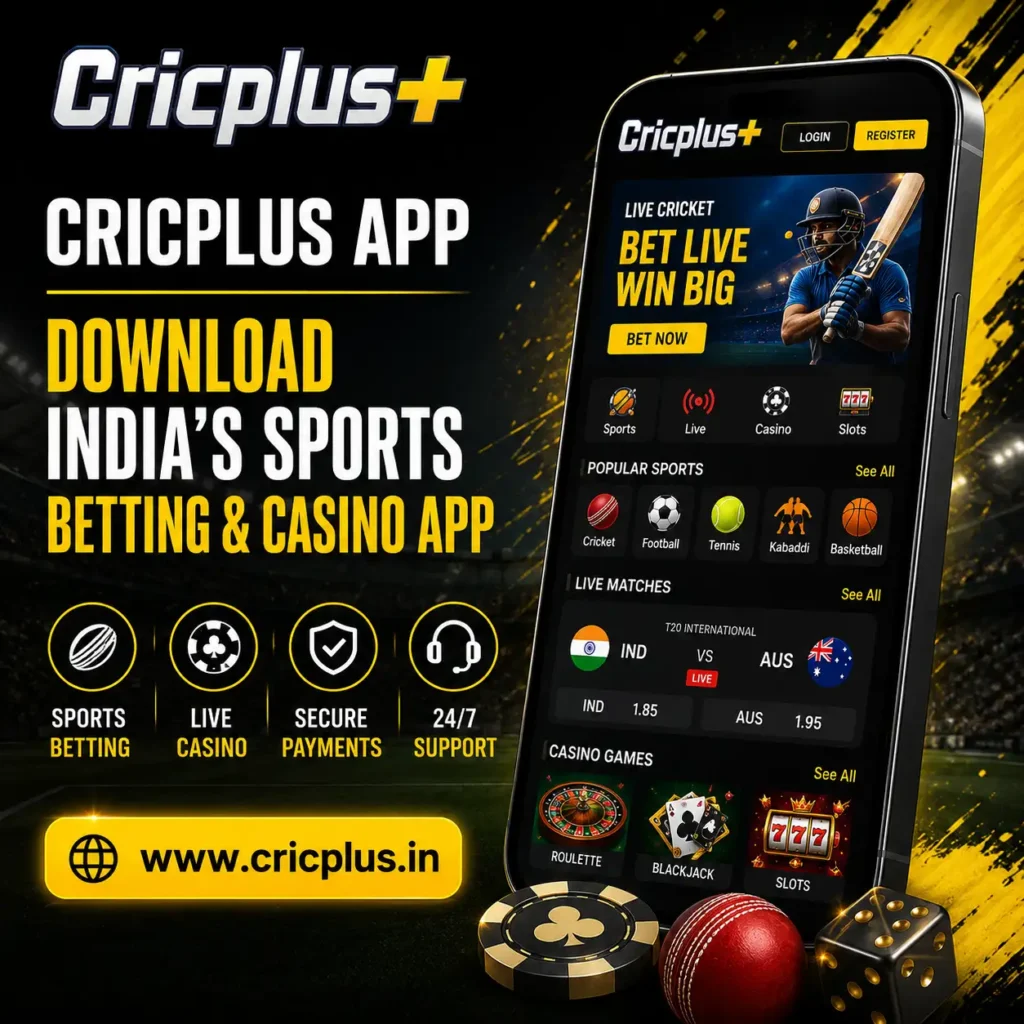
Cricplus App – Download India’s Sports Betting & Casino App
The Cricplus App is designed for users who want quick access to cricket betting, live sports betting, and online casino games directly from their mobile devices. Instead of relying only on a browser, the app provides a smoother mobile experience with faster navigation, secure account management, and convenient access to betting markets whenever eligible events are available.
Whether you enjoy following major cricket tournaments, exploring different sports markets, or accessing casino games from your smartphone, the Cricplus App brings everything together in one place. The mobile interface is designed to help users move between betting categories, account settings, deposits, and withdrawals without unnecessary complexity.
New users can begin by creating an account through the Cricplus Signup page before accessing the mobile platform. Existing users can simply log in using their registered account details after installing or opening the app.
What is the Cricplus App?
The Cricplus App is the mobile version of the Cricplus platform, allowing users to access sports betting, casino games, payment options, and account management from compatible smartphones and tablets.
Rather than switching between multiple websites or pages, users can manage everything from a single interface. From checking live cricket odds to reviewing previous betting activity or updating account information, the app provides a more streamlined experience for users who primarily access the platform on mobile devices.
The app is suitable for users who prefer:
- Mobile betting instead of desktop browsing
- Faster navigation between betting markets
- Easy access to live sports events
- Secure account management
- Convenient deposits and withdrawals
- Real-time updates while following matches
If you’re new to the platform, you can also learn more about Cricplus by visiting the Homepage before downloading the app.
Why Choose the Cricplus App?
Mobile betting has become increasingly popular because users want immediate access to betting markets without waiting for pages to reload or constantly switching between browser tabs. The Cricplus App is designed around this mobile-first experience.
Faster Mobile Performance
The app is optimized to load betting markets quickly, helping users move between sports, casino games and account sections with minimal delay.
Built for Cricket Fans
During major tournaments and international series, users can access available cricket betting markets directly from the mobile interface.
One Account Across the Platform
The same Cricplus account can be used for sports betting, casino games, payment features and account settings without creating separate profiles.
Live Betting Experience
For eligible events, users can follow changing markets and monitor available odds while matches are in progress.
Secure Account Management
Secure login and account tools allow users to review transaction history, update account information and manage their profile from one place.
Designed for Mobile Convenience
Every section is arranged for smaller screens, making it easier to check live scores, review betting history and manage deposits from a smartphone.
What Can You Do with the Cricplus App?
The Cricplus App combines multiple platform features into one mobile experience. Rather than focusing on a single betting category, users can move between sports, live markets, casino games and account tools through one registered account.
Explore App Categories
Sports Betting
Multiple SportsBrowse available betting markets for cricket, football, tennis, kabaddi, basketball and other supported sports directly from the mobile app.
Explore Cricplus Sports BettingLive Betting
In PlayFollow changing betting markets and available odds during eligible live events without leaving the application.
Online Casino
Casino AccessAccess live casino and digital game categories from the same account without switching between multiple platforms.
Payment Management
Account WalletManage supported deposits and withdrawals, review wallet information and check transaction history from the mobile account dashboard.
Cricplus App Technical Specifications
Review the recommended device, storage and connectivity requirements before installing or accessing the Cricplus App.
| Feature | Details |
|---|---|
| Platform | Android APK |
| Mobile Access | Android smartphones & tablets |
| iOS Support | Mobile browser / supported web access |
| RAM | 3 GB or higher recommended |
| Storage Space | Around 100 MB free space |
| Internet | Stable 4G, 5G or Wi-Fi connection |
| Account Access | Existing Cricplus account |
| Security | Secure login and encrypted connections |
| Updates | Latest version recommended |
While the app is designed for Android devices, users accessing Cricplus from iPhone or iPad can continue using the platform through a compatible mobile browser where supported. Keeping the latest version installed helps improve performance, compatibility and access to newer platform features.
Cricplus App vs Website – Which One Should You Choose?
Both the Cricplus website and the mobile app provide access to sports betting, casino games, account management and payment features. The main difference is how users access the platform. While the website works well on desktop devices, the Cricplus App delivers a smoother and faster experience for users who prefer mobile betting.
| Feature | Cricplus App | Website |
|---|---|---|
| Performance | Optimized for mobile devices | Depends on browser performance |
| Navigation | Faster mobile interface | Standard website navigation |
| Access | One-tap mobile access | Browser-based access |
| Live Updates | Quick access during live events | Available through browser |
| Account Management | Mobile optimized | Desktop & Mobile Browser |
| Convenience | Better for users on the move | Better for larger screens |
If you frequently access betting markets using your smartphone, the Cricplus App offers a faster and more convenient experience while allowing you to use the same account across supported devices.
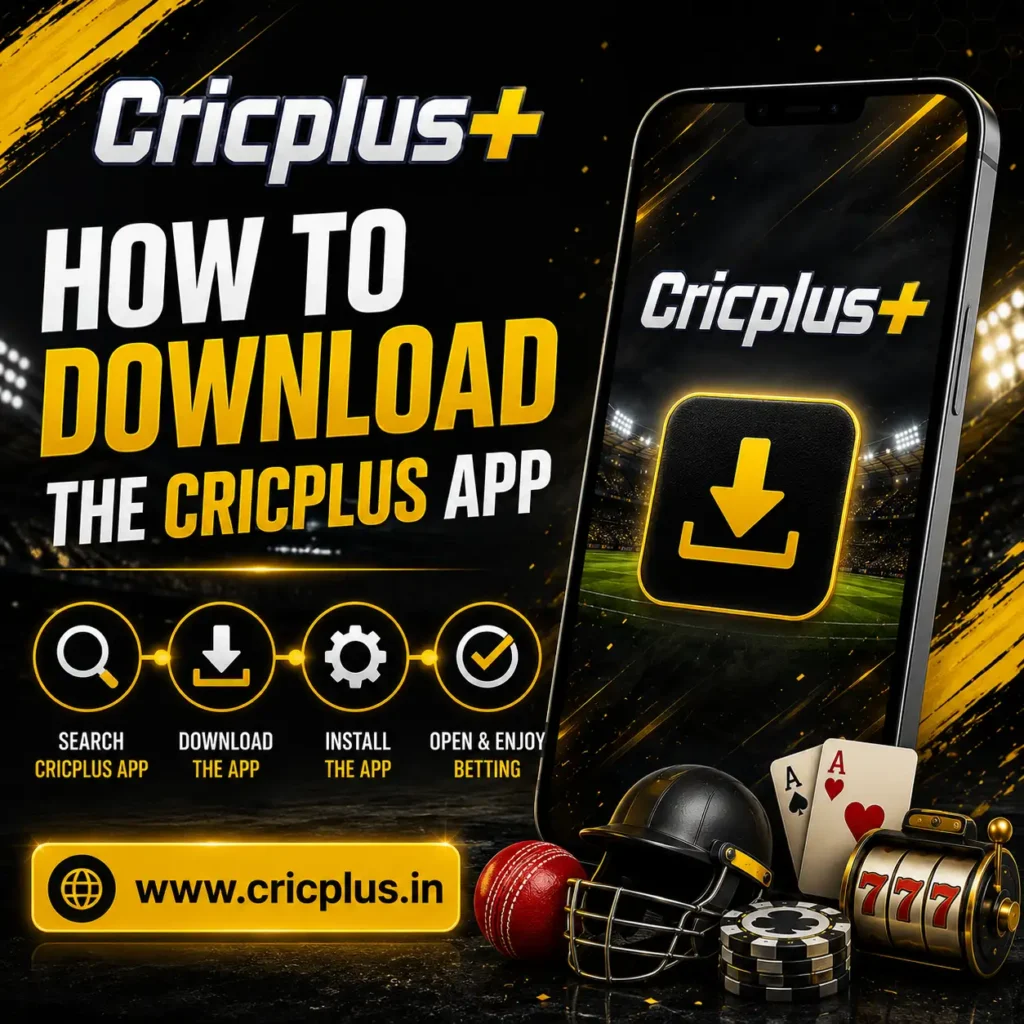
How to Download the Cricplus App
Downloading the Cricplus App is a straightforward process. Always ensure that you are accessing the application from the official Cricplus platform to help avoid unofficial or modified versions.
Android Users
- Visit the official Cricplus website.
- Locate the App Download section.
- Download the latest APK file.
- Allow installation from trusted sources if your device requests permission.
- Complete the installation.
- Open the app and sign in using your registered account.
iPhone & iPad Users
Depending on platform availability, iOS users can access Cricplus through a compatible mobile browser or supported web application.
After opening the platform, users can log in and enjoy a mobile-friendly experience without installing an Android APK.
If you already have an account, simply visit the Cricplus Login page to access your account from any supported device.
Common Cricplus App Problems & Solutions
Most users experience a smooth installation process, but minor issues may occasionally occur because of device settings, internet connectivity or an outdated app version.
App Not Installing
The APK may be incomplete, installation permission may be disabled, or the device may not have enough free storage.
- Download the latest APK version again.
- Enable installation from trusted sources.
- Check that sufficient storage is available.
Unable to Log In
Login problems may occur because of incorrect credentials, a weak connection or account recovery requirements.
- Verify your registered mobile number and login details.
- Check the internet connection.
- Reset the password if required.
App Running Slowly
Slow performance may occur when multiple apps are running, the device has limited memory or an older Cricplus App version is installed.
- Close unnecessary background applications.
- Restart the mobile device.
- Install the latest version of the app.
Download Failed
An interrupted or unstable internet connection can stop the APK file from downloading completely.
- Switch to a stable Wi-Fi or mobile network.
- Restart the download from the official platform.
- Avoid changing networks during the download.
Payment Not Updating
A payment may take additional processing time before the updated balance appears in the account wallet.
- Refresh the wallet balance.
- Verify the transaction status.
- Contact support if the issue continues.
Still Need Assistance?
Contact Cricplus support when an installation, login, payment or technical issue cannot be resolved using the steps above.
Safe & Secure Mobile Experience
Security is an important part of the Cricplus App experience. The platform uses multiple measures to help protect user accounts and payment information while accessing betting markets on mobile devices.
Some of the security features include:
- Secure account authentication
- Encrypted data transmission
- Protected payment processing
- Secure account management
- Regular platform updates
- Continuous monitoring for account safety
Users should also contribute to account security by using strong passwords, keeping login credentials private, and installing only the latest version of the application.
Additional information about platform privacy is available on the Cricplus Privacy Policy page.
Need Help? Cricplus Customer Support
If you experience difficulties while downloading, installing, logging in, or using the Cricplus App, assistance is available through the platform’s support team.
Customer support can help with:
- App installation guidance
- Login assistance
- Account-related enquiries
- Deposit and withdrawal questions
- Technical issues
- General platform support
For more information, visit the Cricplus Customer Support page.
Frequently Asked Questions
Is the Cricplus App free to download?
Yes. The Cricplus App can be downloaded without any download charges from the official platform.
Can I use the same account on the website and app?
Yes. Your existing Cricplus account can generally be used across supported devices.
Is live betting available on the Cricplus App?
Eligible live betting markets can be accessed directly through the mobile application during supported sporting events.
How do I update the Cricplus App?
Download and install the latest available version whenever an update is released to ensure improved performance and security.
Can I make deposits and withdrawals through the app?
Yes. Supported payment methods can be used to manage deposits and withdrawals directly from your account. Learn more by visiting the Payment Methods page.
Does the app support promotional offers?
Yes. Eligible users can explore available promotional campaigns and bonus offers on the Bonuses and Promotions page.
Download the Cricplus App & Enjoy Mobile Betting
The Cricplus App brings together cricket betting, live sports betting, casino gaming, account management, and secure payment features within a single mobile experience. Designed for users who value convenience and quick access, the app makes it easier to stay connected to your favourite betting markets wherever you are.
Whether you’re following a live cricket match, exploring casino games, or managing your account on the move, the Cricplus App offers a streamlined mobile experience that works across supported devices.
Before getting started, make sure you have completed your registration and use the latest version of the app for the best experience. You can also review the platform’s Terms and Conditions to understand the rules governing account usage and platform access.
Download the Cricplus App today and discover a faster, more convenient way to access sports betting and casino entertainment from your mobile device.